
This is our example creative. Replace the copy and assets with yours, and the verdict and the preview both update as you go.
The standard unit
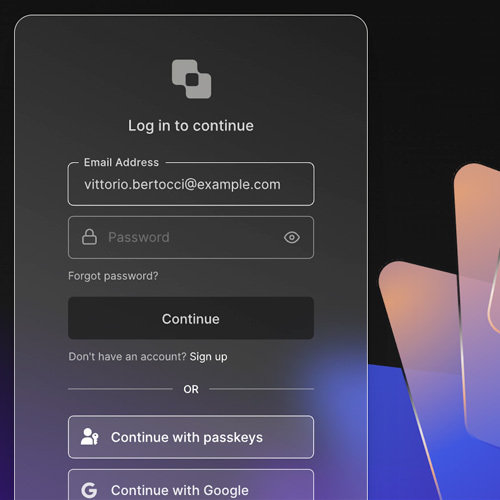 Your time is valuable. Use it to focus on your app, and let us handle login and much more.ads via Carbon
Runs on every placement in the network. With no 260×200 supplied it falls back to your 500×500. Send the 4:3 crop and this pane is what changes.
Carbon Cover

Hover the unit to see the expanded state.
Once a campaign is booked
Your account manager sends a collection link where assets are submitted, reviewed and approved. This tester is the pre-campaign check. That link is where the final creative goes. Talk to us about a campaign if you don’t have one yet.
Still deciding what to make? The creative brief shows what a good one looks like, with real ads from the developer network.