Check it before you send

Load your assets and we’ll render them in the real unit, flag anything production would reject, and tell you what’s still missing for Cover. Your files stay in your browser.

This is our example creative. Load yours to check it; the example stays until you do.

No creative yet? Draft one from your domain and check it here.

Example creative

Needed to run Every placement

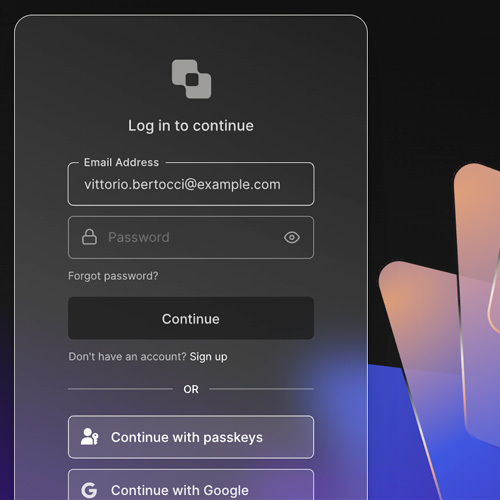
auth0-750672-small.jpg

The 4:3 crop, up to 300 KB. Every placement can serve it, so every creative needs one.

100 characters including spaces. One clear sentence with the call to action at the end. Plenty of readers see nothing else.

The whole unit clicks through here. Send one per creative, each with its own UTMs, so you can tell the variations apart.

Unlocks Cover Cover placements

Leave any out and Cover stays locked; the creative still runs.

auth0-750672-large.jpg

JPG, PNG, or WEBP up to 300 KB. Avoid logos and text, which the unit renders separately. It also takes the standard unit’s slot.

auth0-750672-logo.png

Transparent PNG up to 300 KB.

Always visible, even without interaction. Make it work on its own.

One concise action, matched to your primary onsite goal.

We fill if blank Optional

Shown when someone shares the ad. Left blank, we use the name of the company buying the ads.

No light colours: the text on top is white. Left blank, we pick a shade from your image with enough contrast.

Once a campaign is booked

Your account manager sends a collection link where assets are submitted, reviewed and approved. This tester is the pre-campaign check. That link is where the final creative goes. Talk to us about a campaign if you don’t have one yet.

Still deciding what to make? The creative brief shows what a good one looks like, with real ads from the developer network.